
A browser that keeps the web clean.
Purus blocks explicit content, ads, and unsafe searches automatically. Minimal setup. No account. No subscription.
iOS 16+ · No account required · On-device filtering
Purus significantly reduces exposure to explicit content but cannot guarantee complete filtering of all online content.
Built Different
One of the Most Comprehensive Content Filters Available*
Purus stacks eight independent layers of protection — from DNS to keyword to platform-specific filtering — so very little slips through.
8
Simultaneous filtering layers
Most competitors don't run more than 2-3
507
Keyword patterns blocked
Across every major search engine
60s
From download to browsing clean
A minute or two to set up. No account needed.
* Based on number of simultaneous filtering layers compared to publicly available consumer browser filters.
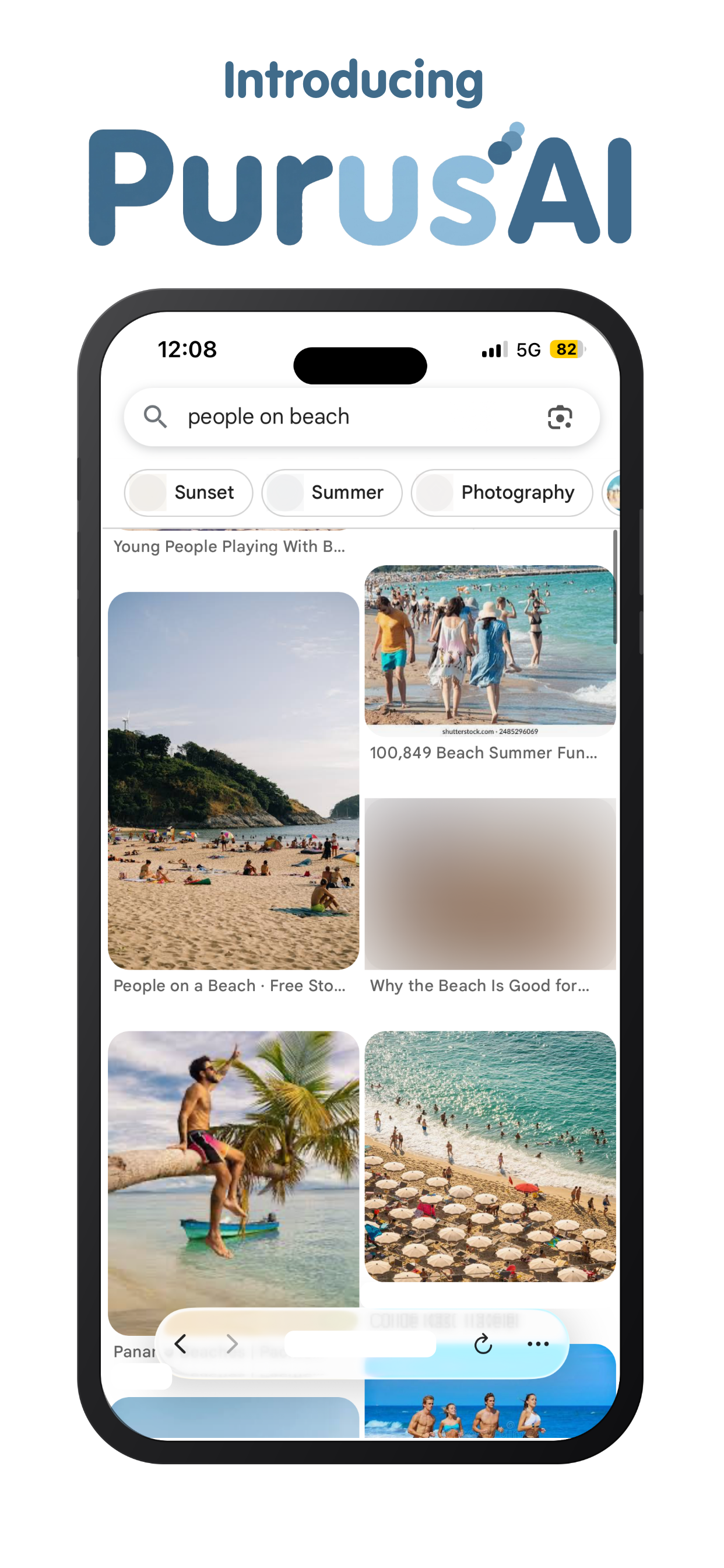
A smarter layer of protection.
Real-Time Detection
Scans images as they render, catching explicit content before it ever appears on screen — not after you've already seen it.
100% On-Device
Every scan runs locally using a downloaded image classification model. No image, screenshot, or browsing data ever leaves your phone.
Catches What Filters Miss
Goes beyond domain and keyword blocking to catch embedded images, social feeds, cached content, and anything arriving through a clean-looking URL.
Always On
No manual scans, no schedules to manage. Protection runs continuously in the background the moment it's enabled.
Monthly
$4.99
per month
Yearly
$49.99
per year
Cancel anytime. Purus itself is free — PurusAI is an optional upgrade.
See it in action
Simple by design.
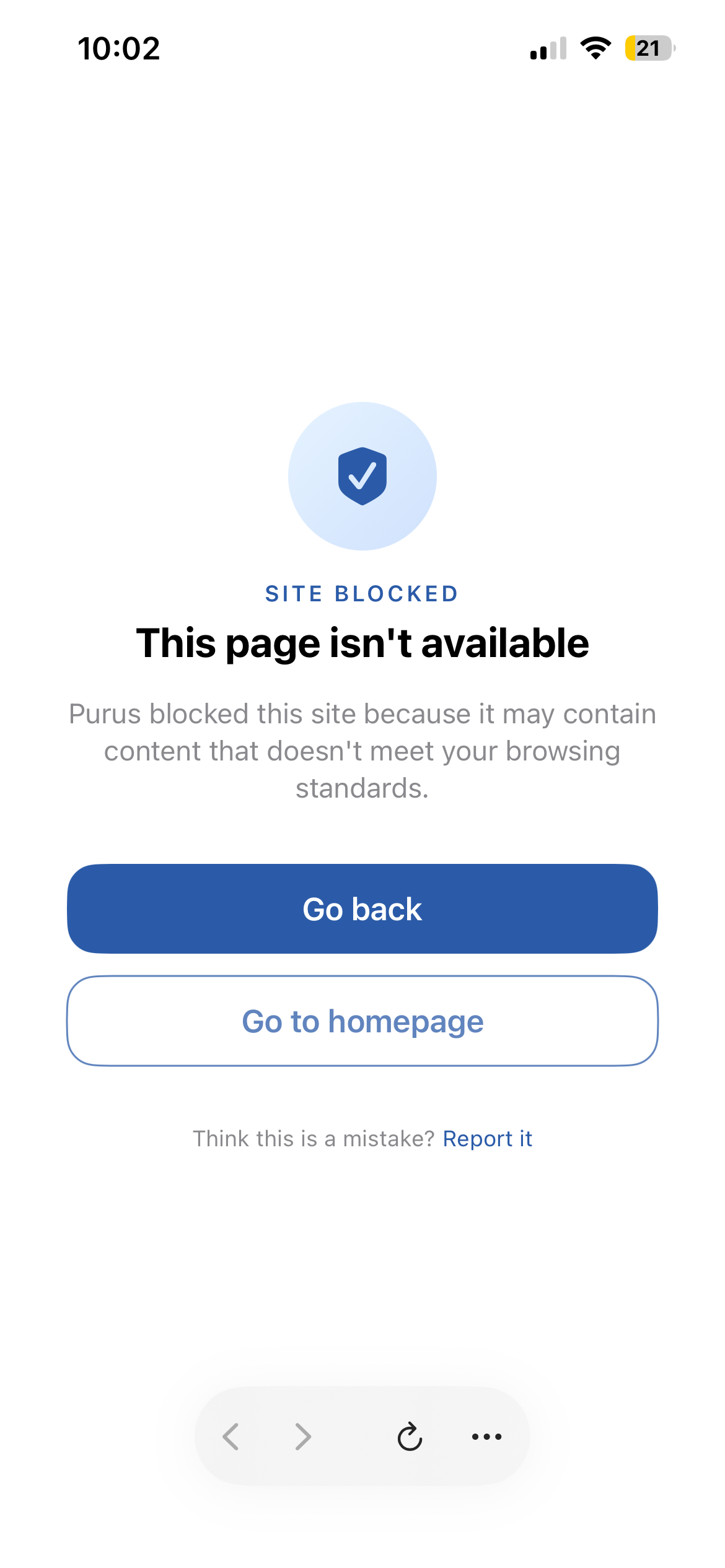
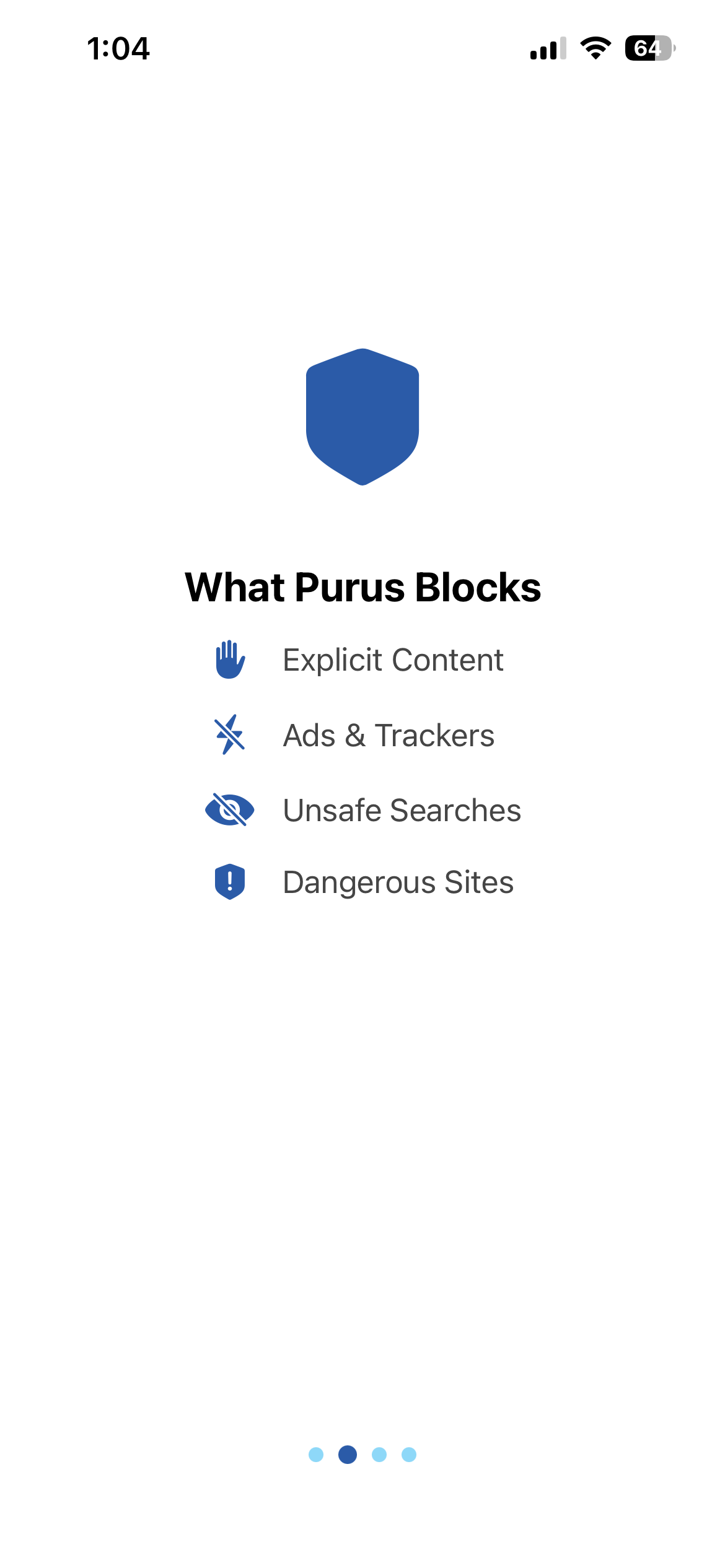
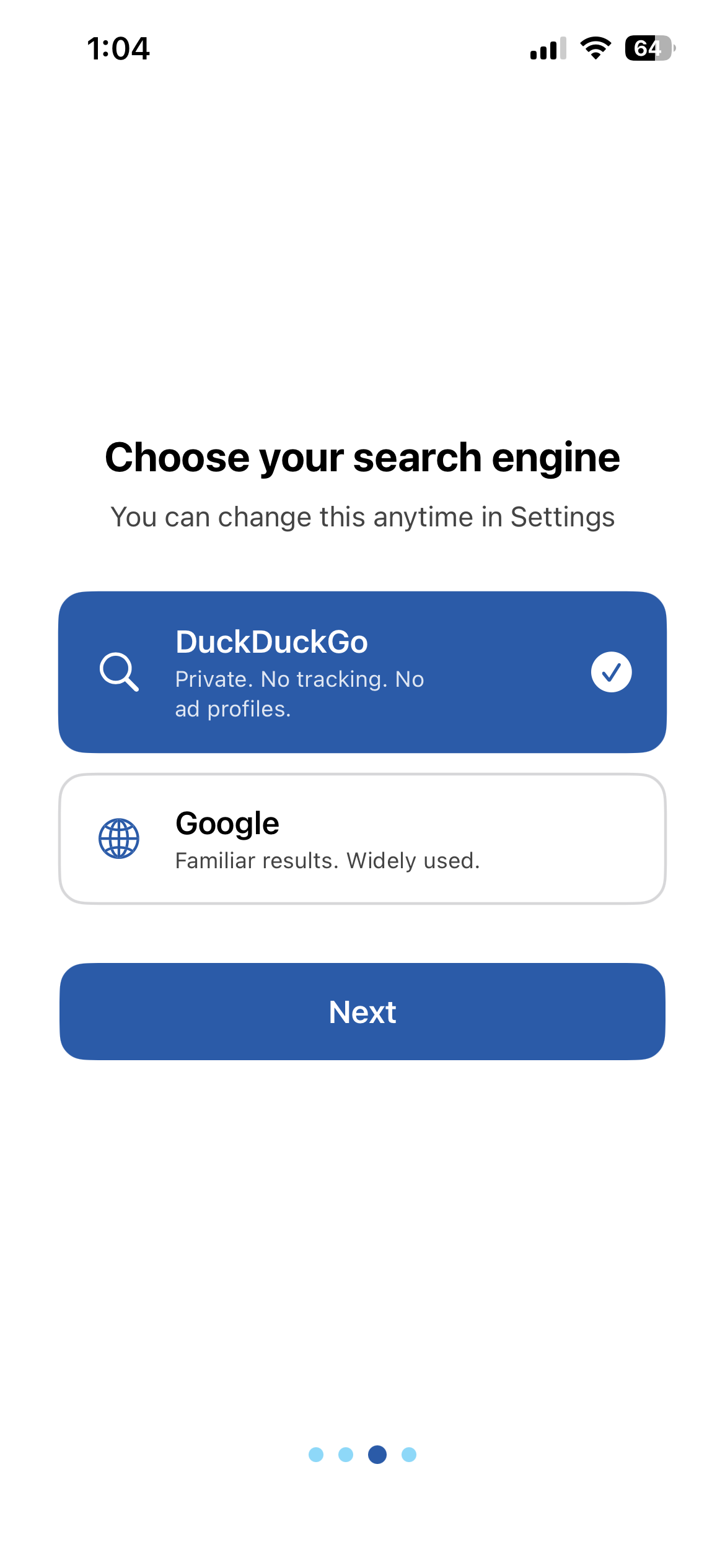
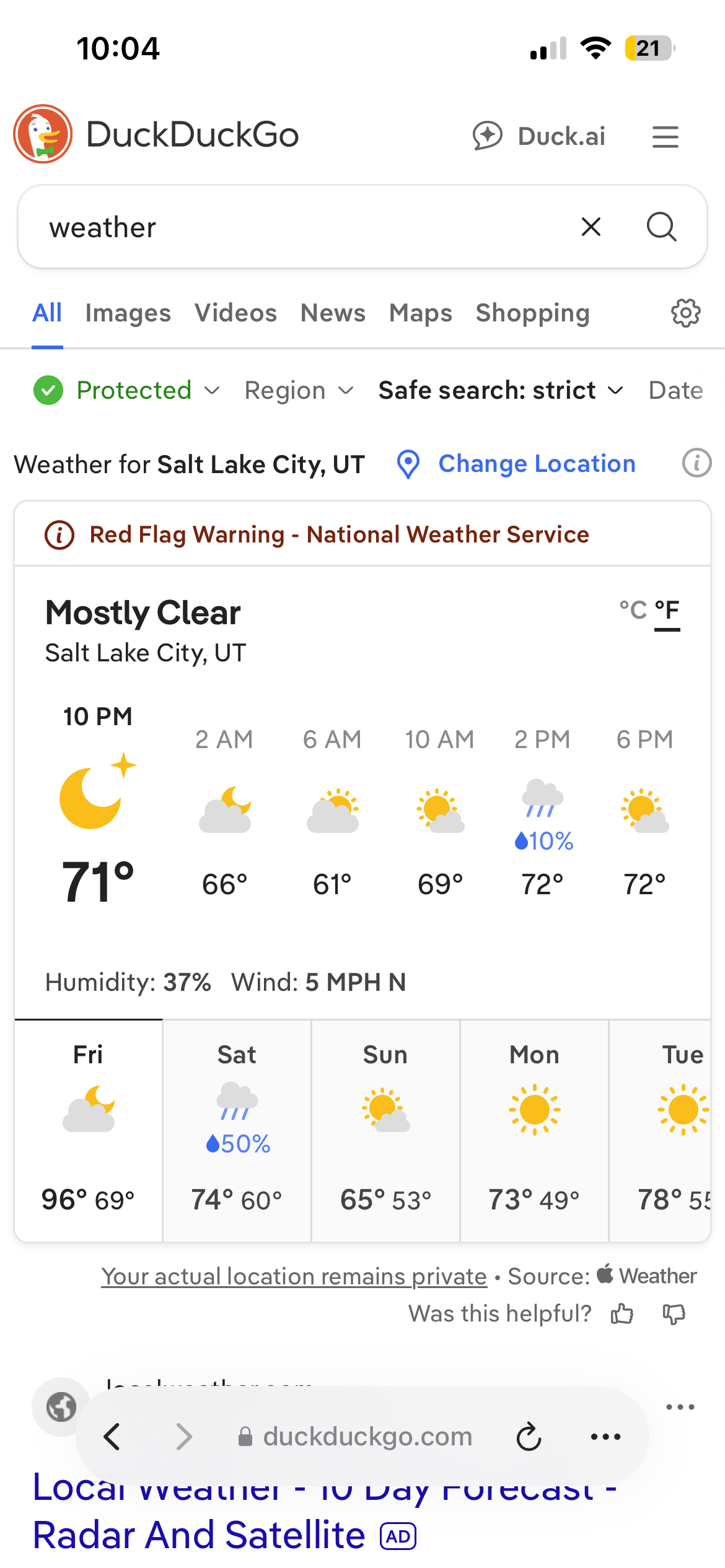
Stops it before it loads.
Eight layers
Every page. Every search. Every time.
Block List
Every request is checked against thousands of known explicit domains and ad networks before anything loads.
DNS Filtering
All domain lookups route through AdGuard Family Protection, which blocks 93.8% of explicit domains at the network level according to AdGuard's own published data.
Keyword Filter
Every search query typed anywhere in the browser is scanned against 507 blocked keyword patterns.
URL Inspector
Every navigation is checked for known bad domains, suspicious paths, and redirect chains.
Cosmetic Filtering
CSS-level rules hide explicit images, banners, and embedded elements that pass the domain block list — so even a clean-looking URL can't surface unwanted content.
Safe Search Enforcement
Safe Search is enforced at the URL level across Google, DuckDuckGo, Bing, Yahoo, and Startpage. Every other search engine is protected through DNS-level domain blocking and keyword filtering applied to every search query.
YouTube Restricted Mode
Every YouTube request is rewritten to force Restricted Mode, filtering adult-flagged videos from all feeds, search results, and recommendations.
Platform-Specific Filtering
Reddit is restricted to safe communities, Facebook search queries are filtered against the same keyword patterns used across all supported platforms, and Amazon search results exclude adult product categories before the page renders.
Safe search enforced everywhere you browse
Purus doesn't just suggest safe search — it's enforced automatically across every engine you use, whether through direct safe-search enforcement or DNS and keyword-level protection.
All third-party trademarks and logos are property of their respective owners. Purus is not affiliated with or endorsed by any of these companies.
Platform Coverage
Social Media, Done Right
Active filtering
YouTube
Restricted Mode enforced, safe search locked, explicit searches blocked
Explicit searches blocked
Safe search enforced, NSFW communities blocked
Blocked entirely
TikTok
X
Snapchat
Tumblr
Users who navigate to these platforms will see a Purus block page explaining why.
Keyword search filtering applies to all supported platforms — the same 507 patterns that catch explicit searches on Google also apply to Facebook, YouTube, and Reddit.
Built for
Anyone who wants a safer default.
Recovery
Meaningful friction for people working to stay free from pornography. Purus blocks the vast majority of explicit content before it ever appears.
Parents
Hand a child an iPhone with Purus knowing that virtually every explicit domain, ad, and unsafe search is blocked before it loads.
Faith communities
A browser aligned with values you already hold, without any extra configuration.
Anyone
Sometimes you just want a browser that doesn't make the web feel dangerous.
About Purus
Built to do one thing well.
Purus started from a simple frustration: existing tools for filtering explicit content were either too complicated, too expensive, or too easy to work around. Parental control suites require accounts, subscriptions, and ongoing configuration. VPNs are overkill. Browser extensions are easy to disable.
We wanted something simpler. A browser that's safe from the moment you set it up. Onboarding takes a minute or two — including one quick step in iOS Settings to activate protection at the network level — and after that, Purus works automatically in the background every time you browse.
Every filtering decision happens on your device. Nothing about what you search or browse is transmitted to Purus servers, because we don't have any. Purus is a native iOS app, and the filtering stack runs entirely in-app.
No filter is perfect, and Purus doesn't claim to catch everything. What it does is stack eight independent layers of protection so that the vast majority of explicit content, intrusive ads, and unsafe searches are blocked automatically, without you having to think about it.
FAQ
Questions.
What about Safari or other browsers on the same phone?
Once DNS-level protection is enabled, it filters at the network level — meaning it also blocks explicit domains in Safari and any other browser on the device, not just Purus. However, Purus's other eight layers (keyword filtering, cosmetic filtering, safe search enforcement, YouTube Restricted Mode, and platform-specific filtering) only run inside the Purus app itself, since Apple doesn't allow any app to control what happens inside another app. For the strongest setup, we recommend pairing Purus with iOS's built-in Screen Time controls to limit which browsers are available on the device — Apple doesn't let third-party apps like Purus disable or remove other apps directly, but Screen Time can.
Will Purus slow down my browsing?
Most of Purus's filtering happens instantly on your device, with no delay. The one exception is DNS-level filtering, which checks domains through an encrypted connection — this can add a small delay the first time you visit a new site, similar to a VPN, though it speeds up quickly as your device caches results. Overall, most users don't notice a meaningful difference in everyday browsing.
What if a legitimate site gets blocked?
It happens occasionally. Tap 'Report it' on the blocked page and we review it quickly. False positive reports go directly to our block list team and the site is usually cleared in the next filter update. Want a feature or see a problem? Go to 'Feedback' in settings or on this website and let us know your thoughts.
Can my child turn off the filtering?
No — filtering isn't a setting you can switch off. AI image blocking, Keyword scanning, URL inspection, cosmetic filtering, safe search enforcement, YouTube Restricted Mode, and platform-specific filtering all run automatically on every request, with no toggle for any of them anywhere in the app. The one exception is DNS-level protection: it's opt-in, and once enabled it can still be removed through iOS's own Settings → VPN & Device Management — that's standard iOS behavior for any DNS configuration profile, not something specific to Purus.
Does Purus require a subscription?
No subscription for the base browser — Purus is a one-time download with no account required. Eight filtering layers, safe search locked, and ad blocking all included. There is an additional on-device AI powered layer that adds another powerful layer of protection we recommend for maximum safety. We're also building a parent dashboard with additional controls and reporting for families who want more visibility. That will be a separate tier when it launches.
The web, without the parts you don't want.
Eight filtering layers, no setup, no subscription. Built to block virtually every encounter before it happens.
Requires iOS 16 or later · iPhone